
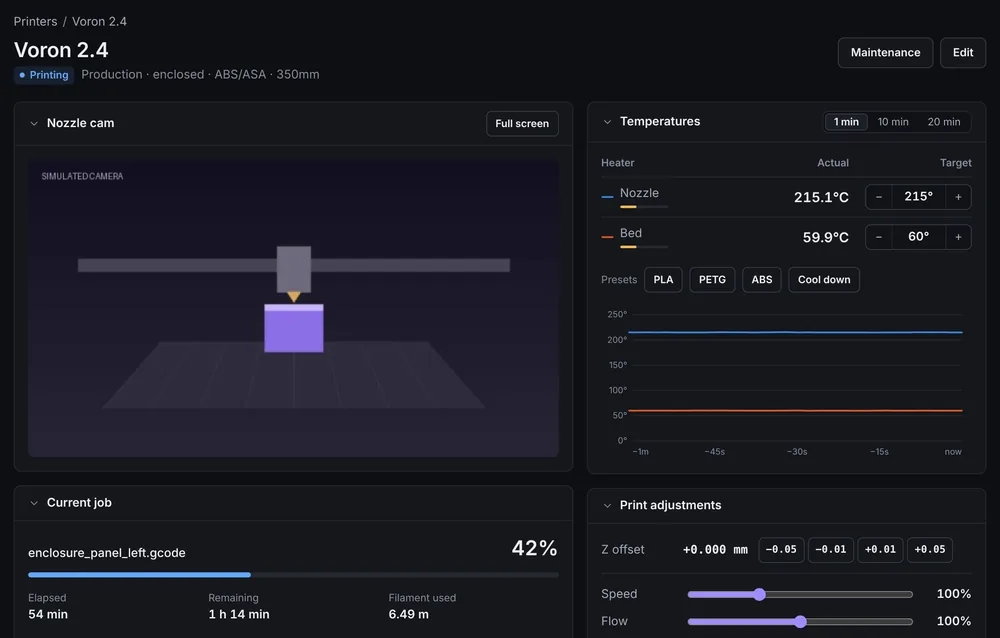
Every printer, one page.
Live progress, temperatures and webcams, and the controls you need in the middle of a print.
Bring printer management, print jobs, G-code files, individual filament spools and job costs together in one self-hosted workspace.
Free and open source · Self-hosted with Docker · Klipper + Moonraker

The printer overview with demo data.
As a printer setup grows, so does the work around it. Printrio brings machine status, files, materials, orders and costs together instead of scattering them across apps and notes.
Why PrintrioLive progress, temperatures and webcams, and the controls you need in the middle of a print.
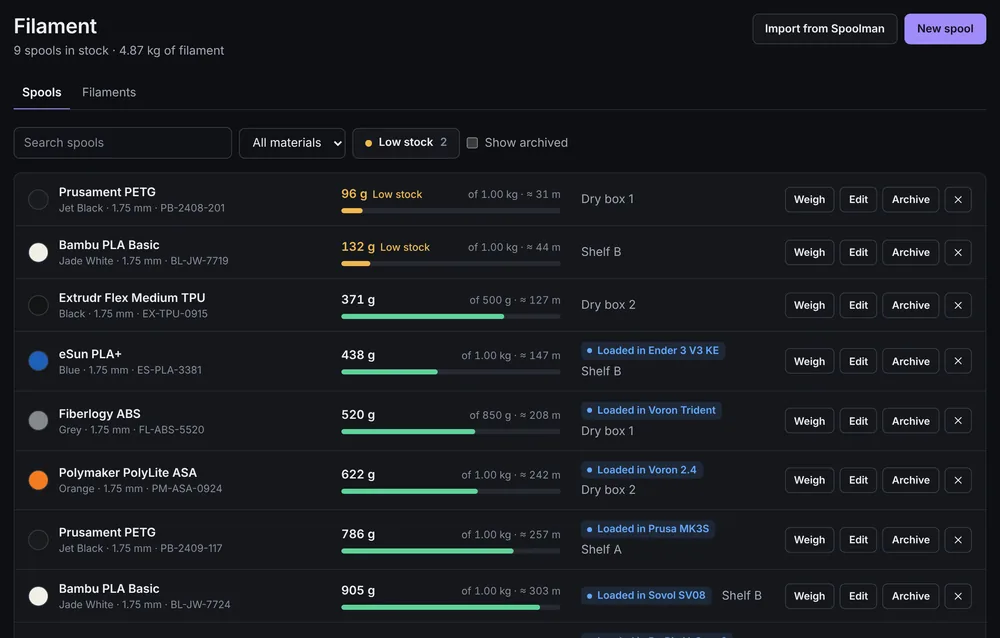
Material, colour and remaining weight, with low stock flagged before a print runs out.
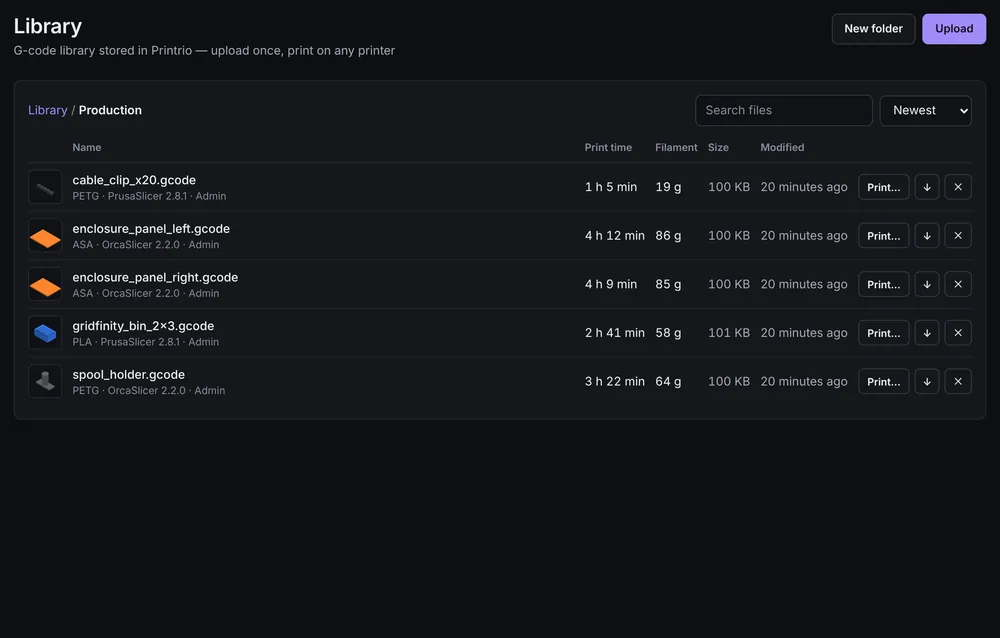
Upload G-code once, see print time and filament, and send it to any printer or its queue.
Printrio is not meant to replace printer firmware or force you to change a setup that already works. It gives the tools around printing a shared place.
Add a Klipper printer by its Moonraker address. Webcams, temperatures and macros show up right away.
Keep printers, files and spool records together instead of in separate lists.
See what is printing, what you have in stock and which costs are associated with a job.
From a home workshop to a small print farm, Printrio is for people who want operational clarity without spending their time maintaining spreadsheets.
Explore features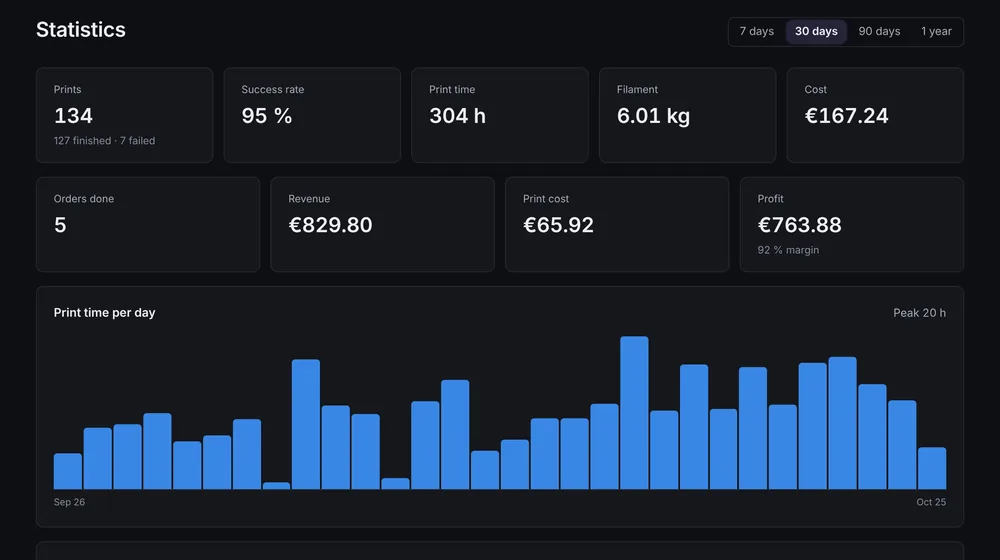
Printrio works with Klipper printers through Moonraker today and is built on printer drivers, so other ecosystems can follow. Availability depends on model and firmware support.
Tell us what you print onAny Klipper printer with Moonraker — Voron, RatRig, Sovol, Creality K-series, Prusa with Klipper and more: status, webcams, control and maintenance.
A potential path for compatible Prusa printers, subject to model, firmware and API capabilities.
A possible integration direction for compatible Bambu Lab devices, subject to access requirements and model support.
A possible route for compatible Elegoo printers using SDCP, pending implementation and compatibility checks.
Get an email when a new Printrio version is out, with what changed and what comes next.
A few things people ask before installing Printrio.
No. Printrio works alongside your existing setup: Klipper and Moonraker keep running your printers, and Mainsail or Fluidd keep working too.
Printrio supports Klipper printers through Moonraker today. Other ecosystems such as Prusa and Bambu Lab are on the roadmap, without a confirmed date.
Yes. Printrio Free is open source and runs up to 3 printers and 2 users with no time limit. Pro and Business add more printers and features with a licence key.
On your own machine. Printrio runs in Docker on your server, NAS, mini PC or Raspberry Pi; only licence checks for Pro and Business contact our server, and Printrio asks GitHub for the newest release (turn off with UPDATE_CHECK=false).
Install Printrio in five minutes — free for up to 3 printers.
Install Printrio